Families can use Phoaly to organize the photo folders already on a Mac without adding another cloud account. Face grouping, scene categories, visual search, and maps run on the machine, and the originals stay in the folders where they already live.
This page covers a setup that works for a household, what stays private, and where the app stops.
The family photo problem
Family archives are messy for predictable reasons:
- Photos arrive from several phones and at least one camera.
- Everyone has a different idea of where files should go.
- Screenshots, saved images, and scans mix with real photos.
- The same event gets copied into two or three folders.
- A cloud library grows until the storage subscription does.
None of that requires a new library. It requires a structure, a way to find things, and a safe way to clean up.
What stays private
Phoaly does not upload photos and does not have a cloud account. On this Mac:
- Photos, thumbnails, EXIF, GPS, file paths, face vectors, and visual vectors stay in the app's local data.
- Face grouping and scene categories are computed locally.
- Visual search encodes your sentence locally and compares it with the local index.
- Activation sends only the license key, a random device ID, and the app version.
- Map tiles are optional and can be switched off.
The app has no telemetry and does not report in the background.
A simple family setup
Start smaller than you think:
- Make one family archive folder, for example
Photos/. - Use one year and month structure inside it.
- Give every phone or camera an inbox folder to copy into first.
- Add the archive to Phoaly and let it build the index.
- Keep a backup on a second drive.
The structure can be as simple as:
Photos/
  2025/
    2025-06/
      2025-06-14 Beach day/
  _Undated/
  _Screenshots/
Every household member can copy into the inbox. One person runs the organize plan. The archive stays readable without the app.
Finding photos without tagging
Nobody in a family is going to tag thousands of photos. Phoaly gives four ways to find them without tags:
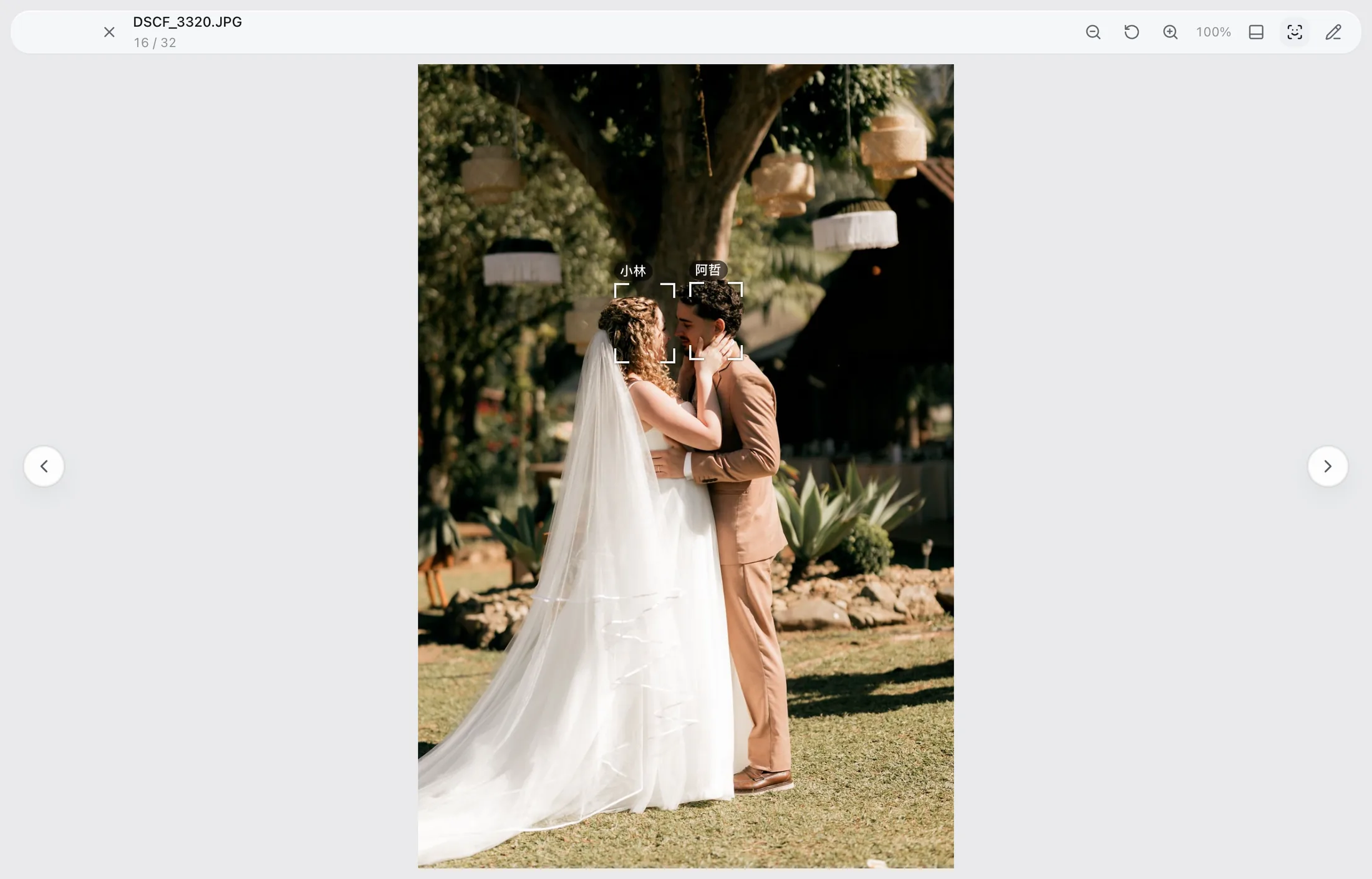
- People: face grouping creates a page per person. Wrong groups can be merged, split, renamed, or fixed by hand.
- Scenes: a single visual pass assigns categories such as people, food, celebrations, nature, city, and night.
- Description: type “birthday cake” or “snow on trees” and search by what is in the picture.
- Place and time: browse by map or by capture date.
Date search and scene search do not require anyone to maintain metadata.
Cleaning up without fear
Family archives accumulate duplicates and bad shots. The safe sequence is:
- Cull one event at a time with keep, maybe, and reject.
- Review duplicates in the workbench before confirming.
- Let deletes go to the system Trash.
- Undo from the journal if something is wrong.
- Empty the Trash only after the backup is current.
Nothing moves until a plan is confirmed, and scanning or previewing never writes to the originals.
Sharing and backups
Phoaly is not a sharing service. To share, export the photos you want and send them through the app or service your family already uses.
Backups are still your responsibility. Keep a second drive and a current copy of the archive. Phoaly makes the folder tree easier to manage, but it is not a backup tool.
What it does not do
- No cloud sync, shared library, or family accounts.
- No editing beyond rotate and crop.
- No video editing.
- No client galleries or sharing links.
If your family depends on a shared cloud library, keep that service and use Phoaly for the folder archive.
Frequently asked questions
Can several family members use the same license?
A license covers one or two Macs, depending on the tier. Each Mac indexes its own folders. There is no shared cloud library.
Does it upload photos to iCloud?
No. Phoaly has no cloud sync. If your Mac is set to sync a folder through iCloud Drive, that is a separate system setting, not a Phoaly feature.
Can it recognize family members automatically?
Face grouping creates clusters locally. You can name a person and correct the grouping by merging, splitting, or assigning a face by hand.
Is it safe for children's photos?
Photos stay on the Mac. The app has no upload, no telemetry, and no account. Backups and sharing are under your control.